.aus and audio, both ways
Export Style audio as WAV or, when the system encoder is available, AAC/M4A. Prepare audio variations for .aus from WAV, MP3 and AAC/M4A sources.
 OC Audio

Mac · Windows
Open AudioStyles. Shape them. Take them further.
Yamaha Audiostyle Converter brings audio from .aus Styles into an editable workflow: export Style audio, create .aus files from your own loops, or extend existing Styles. The Mac version already exists; only the Windows version is planned.
01 / Highlights
Extract audio variations from an existing Style, distribute your own loops across Arranger sections, or replace parts of an existing .aus Style. The loop editor, time-stretching, EQ and dynamics tools help you prepare the audio. The separate Arranger preview is an addition to Mac version 3.5 Preview.
Export Style audio as WAV or, when the system encoder is available, AAC/M4A. Prepare audio variations for .aus from WAV, MP3 and AAC/M4A sources.
Assign new loops to existing variations, replace individual loops or edit existing audio. Export to a new file; untouched original audio blocks are preserved.
Adjust loop boundaries, tempo and sound. In 3.5 Preview, you can also hear assigned audio with Intro, Main, Fill, Break and Ending in an Arranger preview.
02 / Features
From sound to controls: the key tools and how to use them.
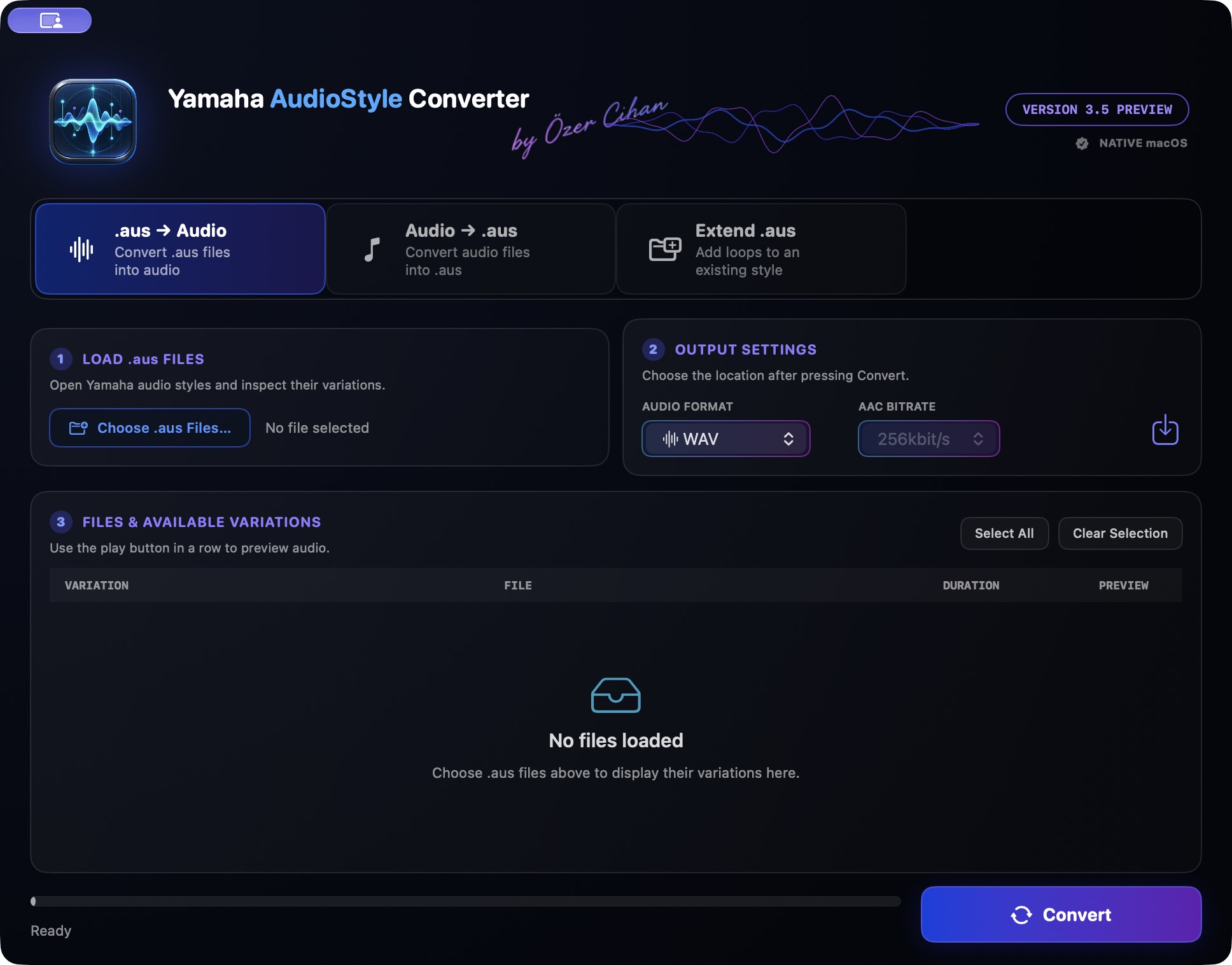
Open one or more .aus files and choose Styles or individual variations to export. WAV is available; AAC/M4A is offered only when the Apple system encoder is available. MP3 export is not part of the described Mac build.
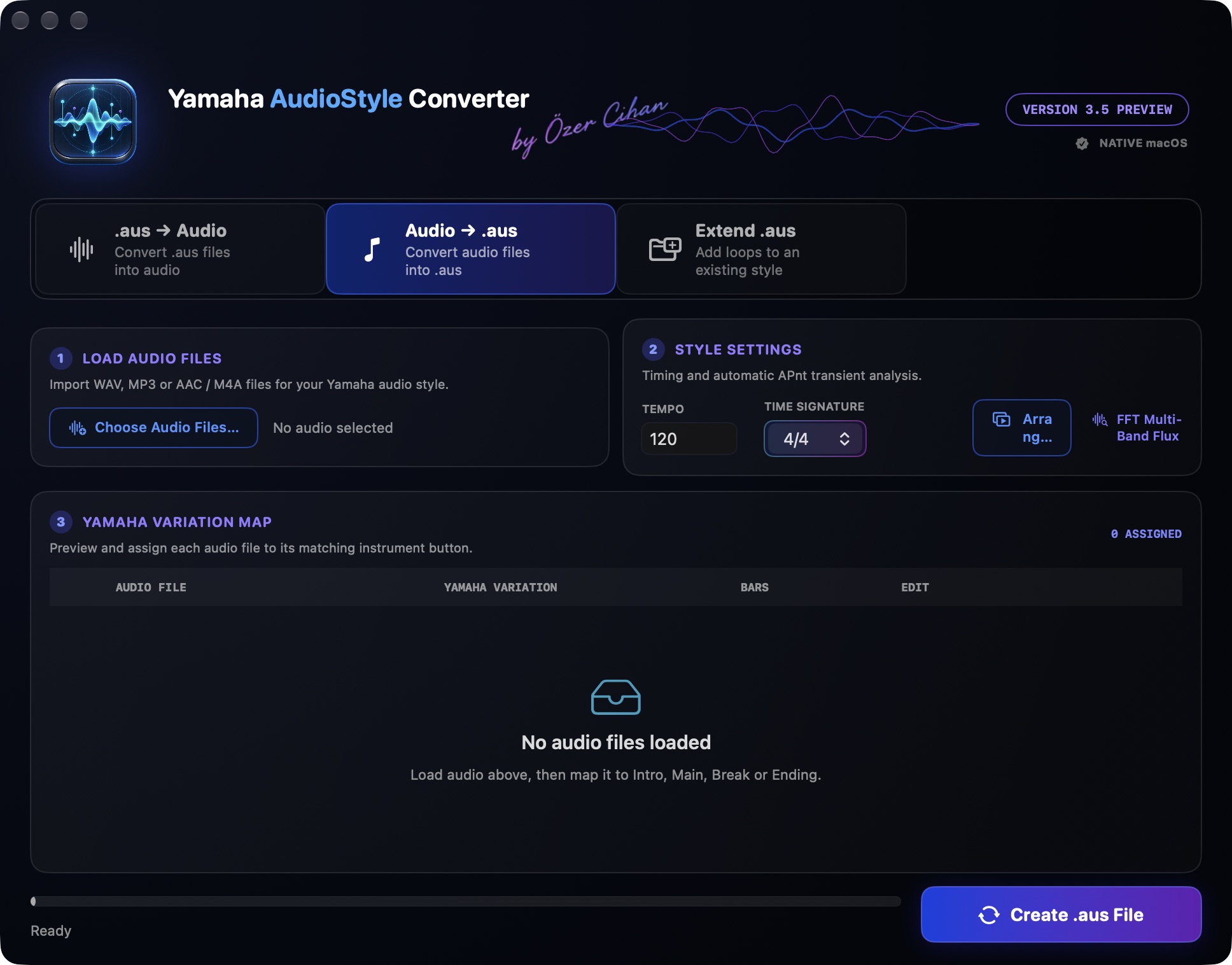
Import WAV, MP3 or AAC/M4A, set the Style tempo and time signature, and assign audio to the variations you want. Intro, Main and Ending assignments support selectable bar lengths; Fill and Break are limited to one bar.
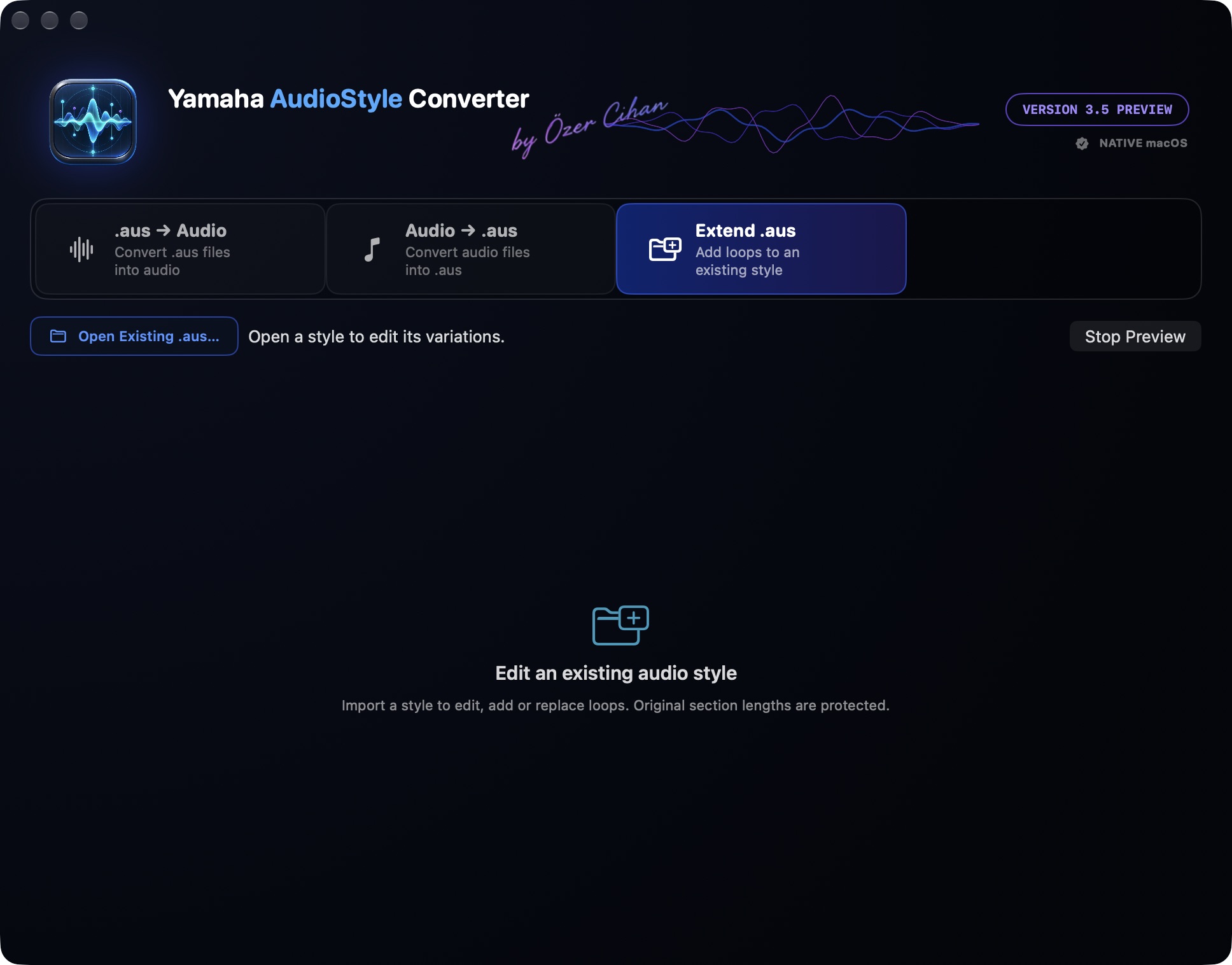
Open a Style and add or replace audio in its variations. Imported tempo, time signature and existing audio section lengths stay fixed. Untouched audio and existing MIDI/CASM data are preserved in supported exports; lossy truncations are rejected.
Edit loop boundaries, source tempo, bar count and normalization in a separate editor window. Time-stretching fits audio to the target musical duration. Preview and export use the same processing stages, so you can hear your chosen settings before saving.
A 5-band parametric EQ, compressor/Maximizer and loop level shape the sound. Save EQ presets and apply them to other variations. Spectrum, RMS and peak meters help with balancing. The limiter is a sample-peak limiter, not a true-peak limiter.
Listen to assigned and edited audio sections with Intro, Main, Fill, Break and Ending. Changes happen at bar boundaries; Auto Fill and a separate preview tempo help you explore. Export tempo stays unchanged. MIDI-only sections are silent in this audio preview.
03 / Highlights
Export selected audio variations from an .aus Style as audio files for your workflow. Use only content for which you have the necessary rights.
Assign your loops to sections in a new AudioStyle and adjust length, tempo and sound to the musical structure.
Replace individual audio variations or edit their sound while keeping untouched parts. Then check the new file on your keyboard.
04 / Workflow
Choose .aus → Audio to export, Audio → .aus to create, or Extend .aus to edit an existing Style. Load your source files.
Choose or fill the variations and check bar count, tempo and loop boundaries. Add time-stretching, EQ, dynamics and level adjustment as needed.
Listen to edited loops before export; 3.5 Preview also includes the Arranger preview. Save the output under a new name and test the Style on the target instrument.
06 / Platforms
Mac version available
Windows planned
The product name and trademark notices will be reviewed before publication. No official connection with Yamaha is claimed.
Mac
Now €69.00 · then regular price €99.00.
Total price incl. VAT.
The store is being prepared for sales.
Try the trial version before buying. Export requires a licence purchase and activation.
07 / FAQ
The described Mac build exports WAV and, when the Apple system encoder is available, AAC/M4A. MP3 can be imported but is not an output format.
No. The 3.5 Preview plays assigned audio through the processing chain. It does not synthesise MIDI instrument voices; MIDI-only sections are silent in this audio preview.
There is no blanket compatibility claim. Supported structures are tested, but playback and editing limits depend on the keyboard and its firmware. Check the exported file on your own instrument.