Shape the sound at the string
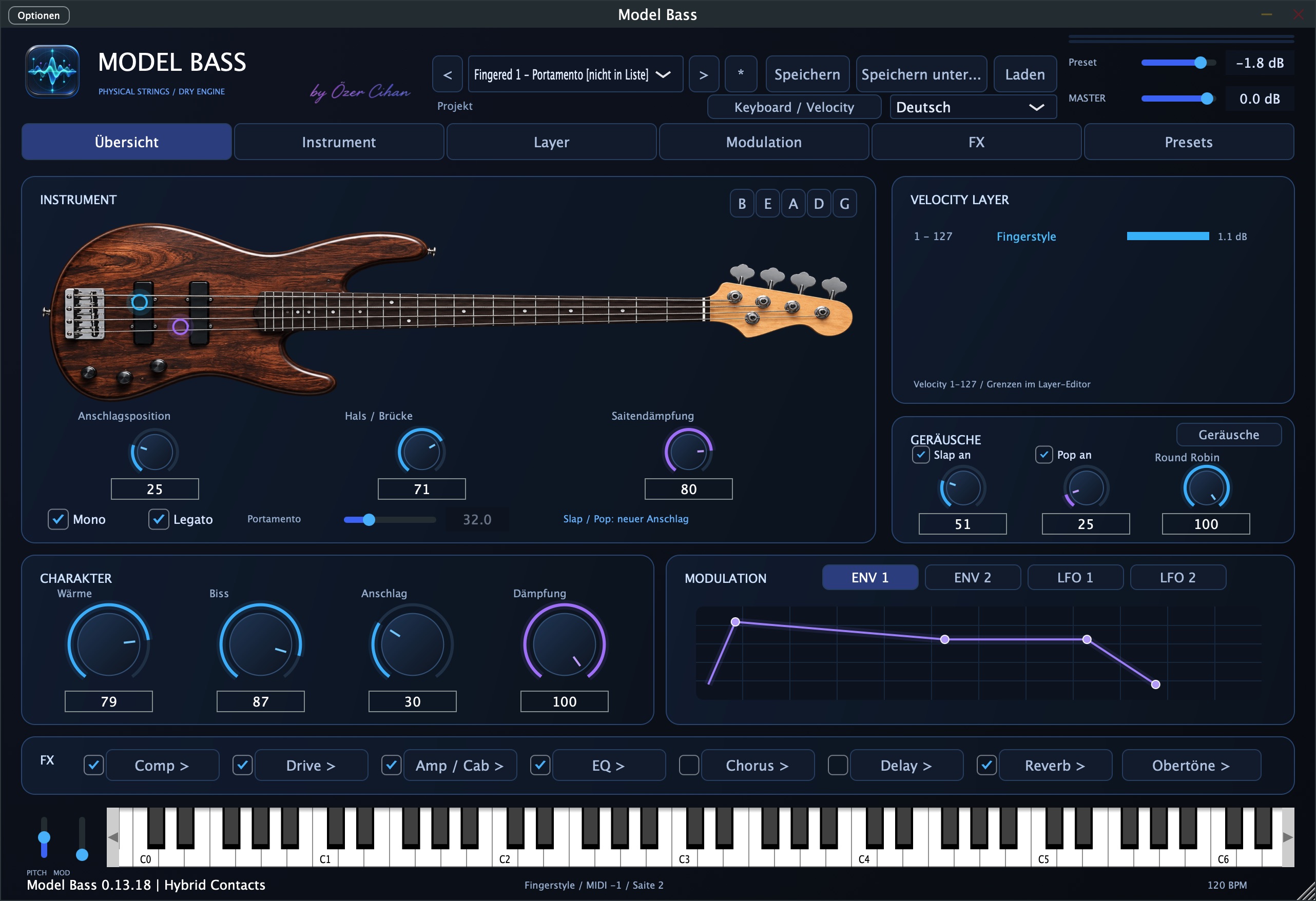
Plucking position, pickups and string damping shape the core tone. Four macros — Warmth, Bite, Attack and Damping — give you a direct starting point.
 OC Audio
Standalone · VST
Your bass. Your expression.
Model Bass is a physically modelled bass instrument available as a standalone application and VST plugin. Shape the sound at the string, tailor its playing response, and bring articulation, modulation and effects together in your own bass sound.
01 / Highlights
The sustained bass tone comes from the string model. Plucking position, pickup response, damping and harmonics all shape its sound. Optional short slap and pop contact recordings add another layer. Start with a dry tone and build it into a processed instrument, without loading an external sample library.
Plucking position, pickups and string damping shape the core tone. Four macros — Warmth, Bite, Attack and Damping — give you a direct starting point.
Velocity layers, legato and portamento connect attack with phrasing. Adjust the attack curve to suit the way you play your keyboard.
Modulation, an effects chain and custom presets are part of the instrument. Save a variation and use it on its own or as a plugin in your music project.
02 / Features
From sound to controls: the key tools and how to use them.
Change plucking and pickup positions, string setup, damping and the string model’s tone parameters. The harmonic editor lets you shape the spectrum; sympathetic resonance adds the ringing of unplayed open strings.
Assign an articulation and level to each of up to six velocity ranges. Combine finger, slap, pop and muted playing with legato and portamento. Shape short slap/pop contact sounds separately by level, brightness and duration.
Mono, Poly and Hybrid Mono offer different ways to play single lines and independent phrases. Pitch bend, Mod Wheel and channel or polyphonic aftertouch add expression. Polyphonic aftertouch requires a keyboard that sends genuine per-note MIDI pressure.
Two ADSR envelopes, two LFOs and a resonant low-pass filter with envelope follower shape movement in the sound. Depending on the source, they can control pitch, filter, volume and pan. LFO sync follows the host tempo or the standalone app tempo.
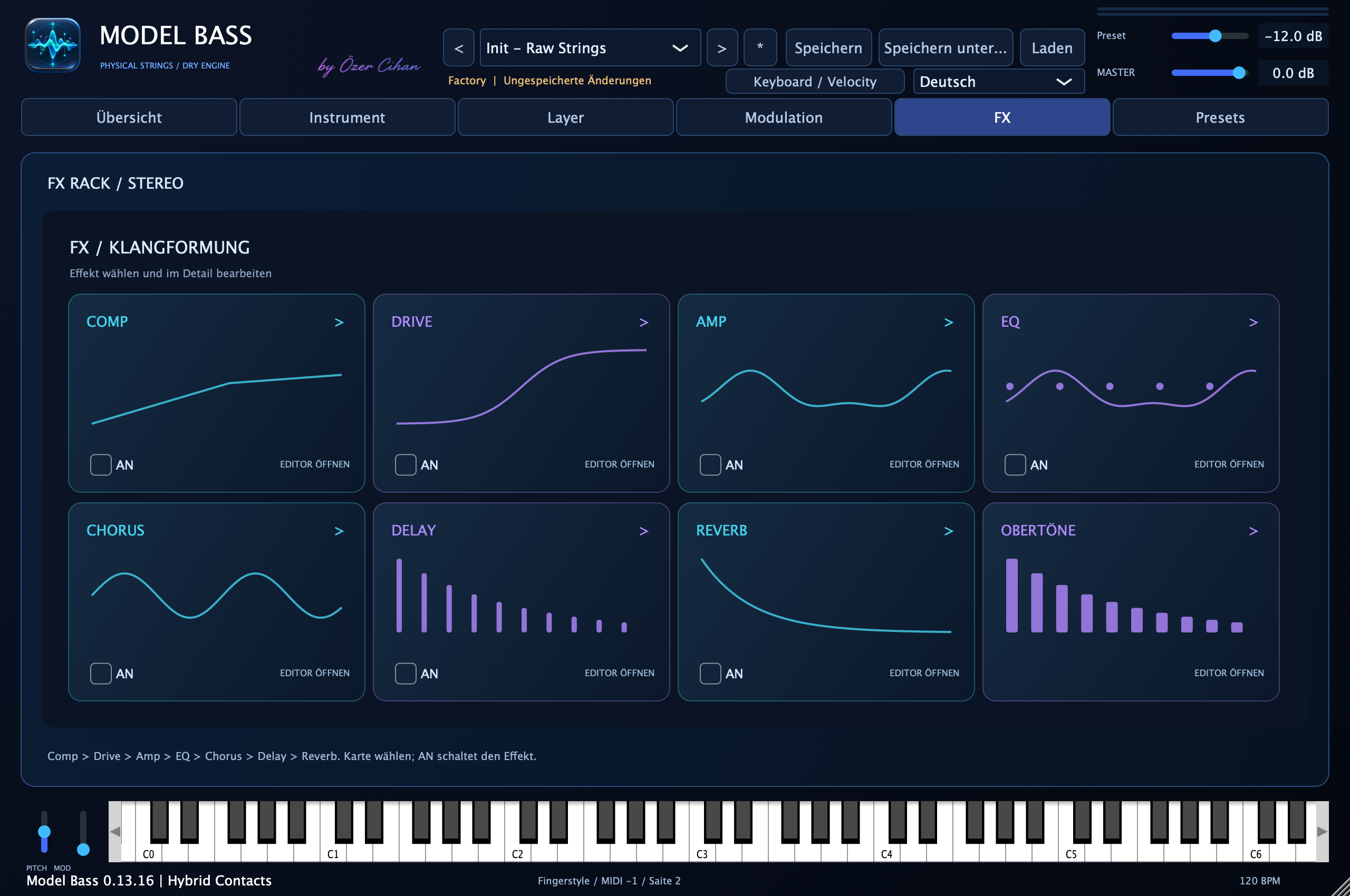
Compressor, Drive, Amp/Cab, EQ, Chorus, Delay and Reverb form the effects chain. Delay supports free or tempo-synced times, stereo and Ping Pong. Amp/Cab shapes the sound algorithmically. Each velocity layer also has a graphical 5-band EQ.
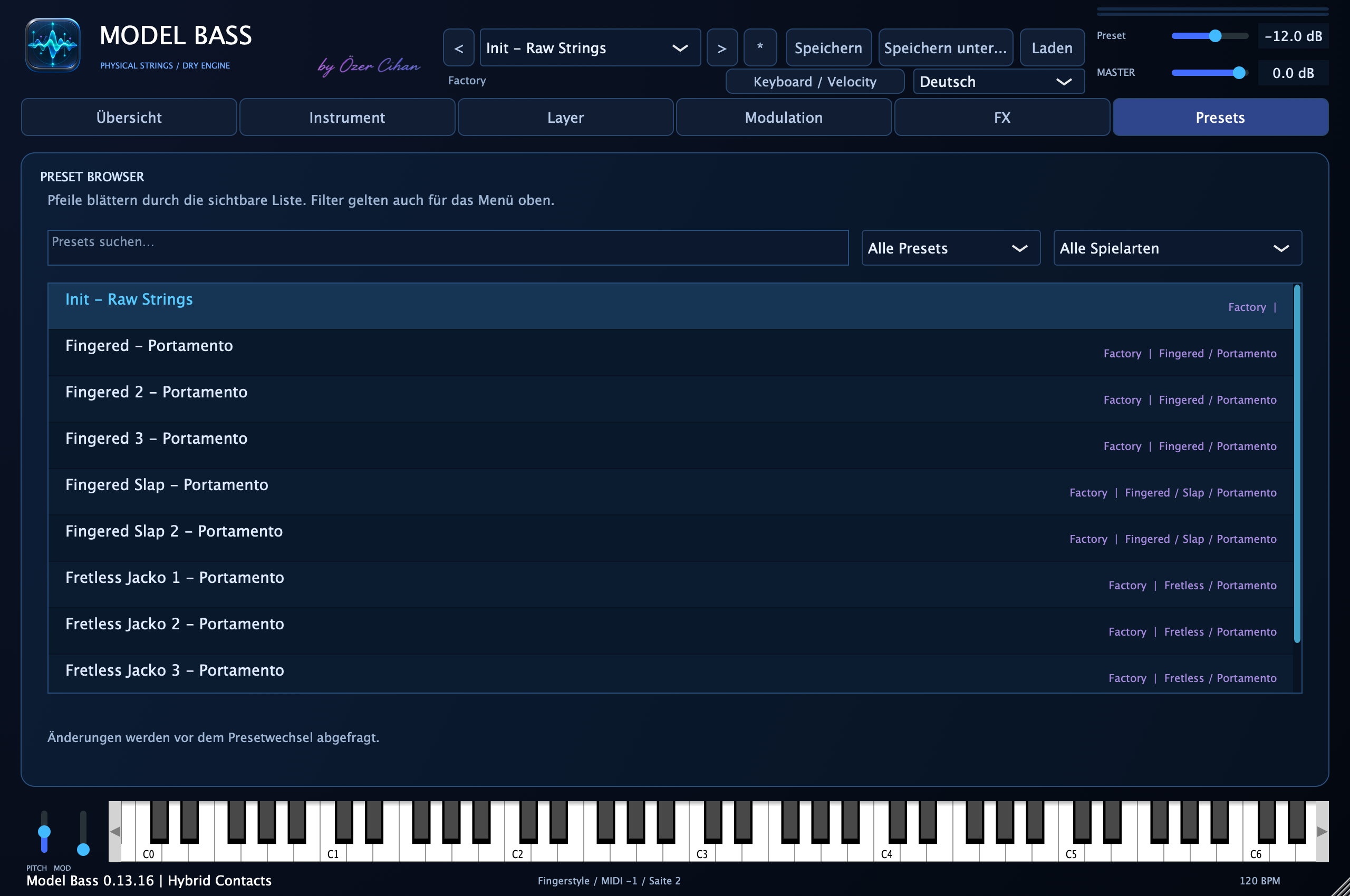
The preset browser combines name search, Factory/User filters and categories. Save your own instrument variations as .modelbass files. Before changing sounds, you can save or discard unsaved edits, or cancel the change. Delay and Reverb also have their own effect presets.
03 / Highlights
Play MIDI bass lines with the plugin and shape the core tone, articulation and effects to fit your arrangement. Host compatibility is listed separately.
Explore legato lines, slides and dynamic attacks. Adapt the velocity curve and MIDI expression to your playing and connected controller.
Start with a dry tone, adjust string parameters and modulation, then save the result as your own preset variation.
04 / Workflow
Load a factory preset or start with Init – Raw Strings. Play from your MIDI keyboard or the on-screen keyboard and adjust the attack curve.
Set plucking position, pickups and damping. Assign articulations to velocity layers and add legato, portamento and contact sounds as needed.
Add modulation and effects, balance the preset level and save your sound. The global master level stays the same when you normally change presets.
06 / Platforms
Use Model Bass as a standalone application.
Use Model Bass in a compatible music application. Format version and host compatibility are still to be confirmed.
Standalone · VST
Now €69.00 · then regular price €99.00.
Total price incl. VAT.
The store is being prepared for sales.
Try the trial version before buying. Export requires a licence purchase and activation.
07 / FAQ
No external sample library is needed to play. The sustained bass tone is modelled; short optional slap/pop contact recordings are embedded in the app.
Yes. The standalone app has an on-screen keyboard plus pitch and modulation controls. A connected keyboard adds playing options; aftertouch depends on its MIDI support.
In the documented version, Amp/Cab shapes the sound algorithmically and is not an impulse response loader. Shape the chain with its individual effects and parameters.